Run your fleet
with clarity.
Track, maintain, and inspect every vehicle, trailer, and piece of equipment — from one live system built for the people who keep fleets moving.
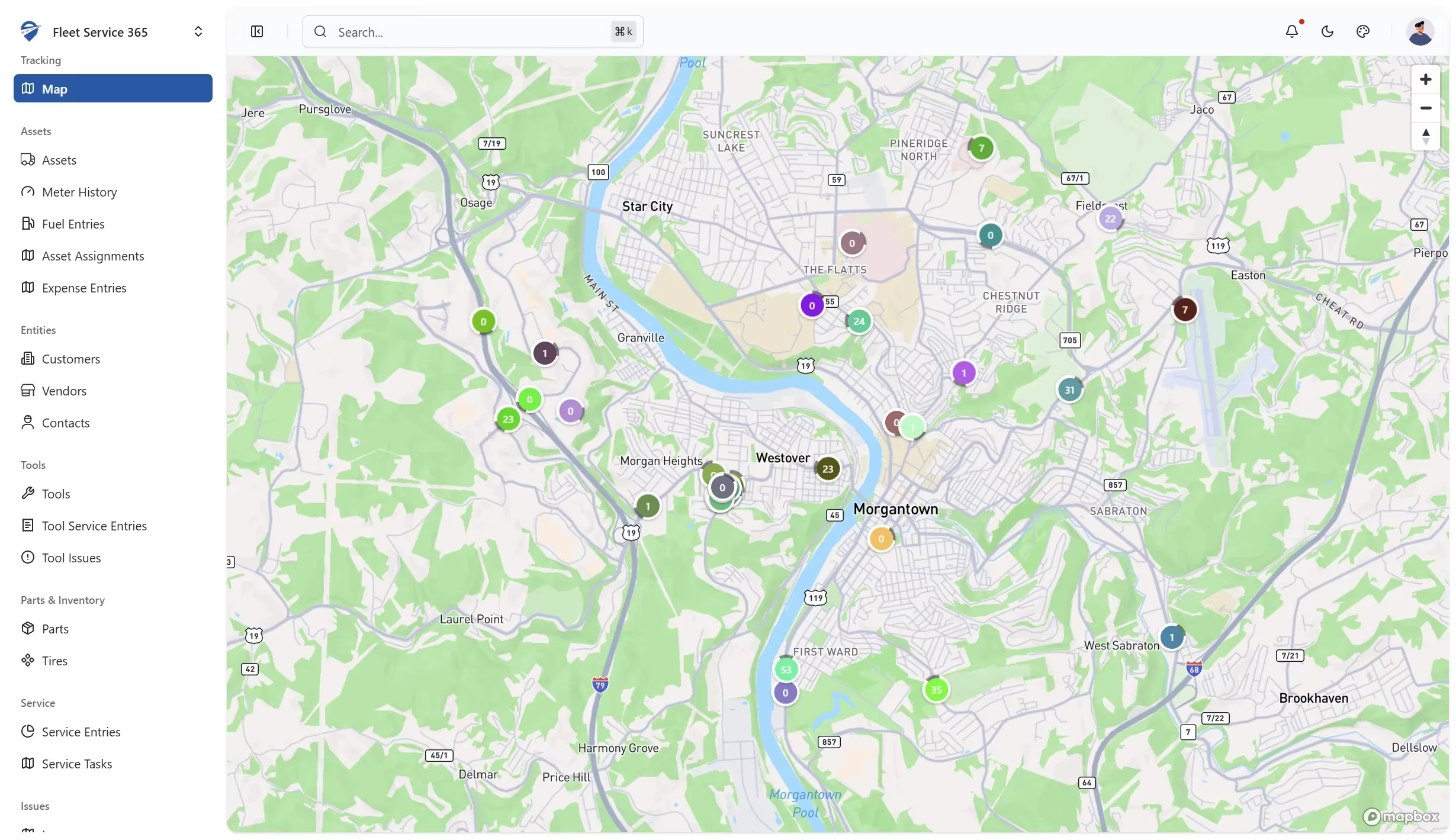
Every asset, every task,
in one live system of record.
FS365 replaces spreadsheets, three-ring binders, and a dozen tabs — so your next PM, inspection, or audit is already prepared.
See every asset — and know what each one is costing you.
Live GPS and utilization rolled up with fuel, maintenance, and downtime. The answer to "where is it and should we keep it" is one click away.
- Real-time GPS + geofences for vehicles, trailers, and equipment
- Utilization and idle time by asset, driver, or location
- Total cost of ownership — automatic, not a spreadsheet exercise
PMs that schedule themselves.
Set it up once by miles, engine hours, or calendar — FS365 creates the work order, notifies the tech, and closes the loop.
- Triggers on odometer, engine hours, or time
- Shop or third-party work, same workflow
- Parts, labor, and downtime rolled into cost-per-mile automatically
DVIRs that don't die on a clipboard.
Drivers complete inspections in the mobile app — photos, signatures, GPS, timestamps included. Defects auto-generate work orders.
- Custom forms per asset class
- Offline mode for yards with no signal
- DOT-ready PDFs on demand
One system for every part of your fleet.
Explore each module — or connect your live fleet data to Microsoft Dynamics 365.
Connect your telematics.
One live view of every asset.
Fleet Service 365 connects to the telematics you already run — ATTI, Geotab, Samsara, Motive, and Verizon Connect — so live location and engine data flow straight into the same system as your maintenance, inspections, fuel, and cost. One place for the whole picture, instead of a tracking tool, a maintenance tool, and a spreadsheet.
How operators are running their fleets right now.
How-tos, benchmarks, and compliance notes from the FS365 team — written for the people doing the work.
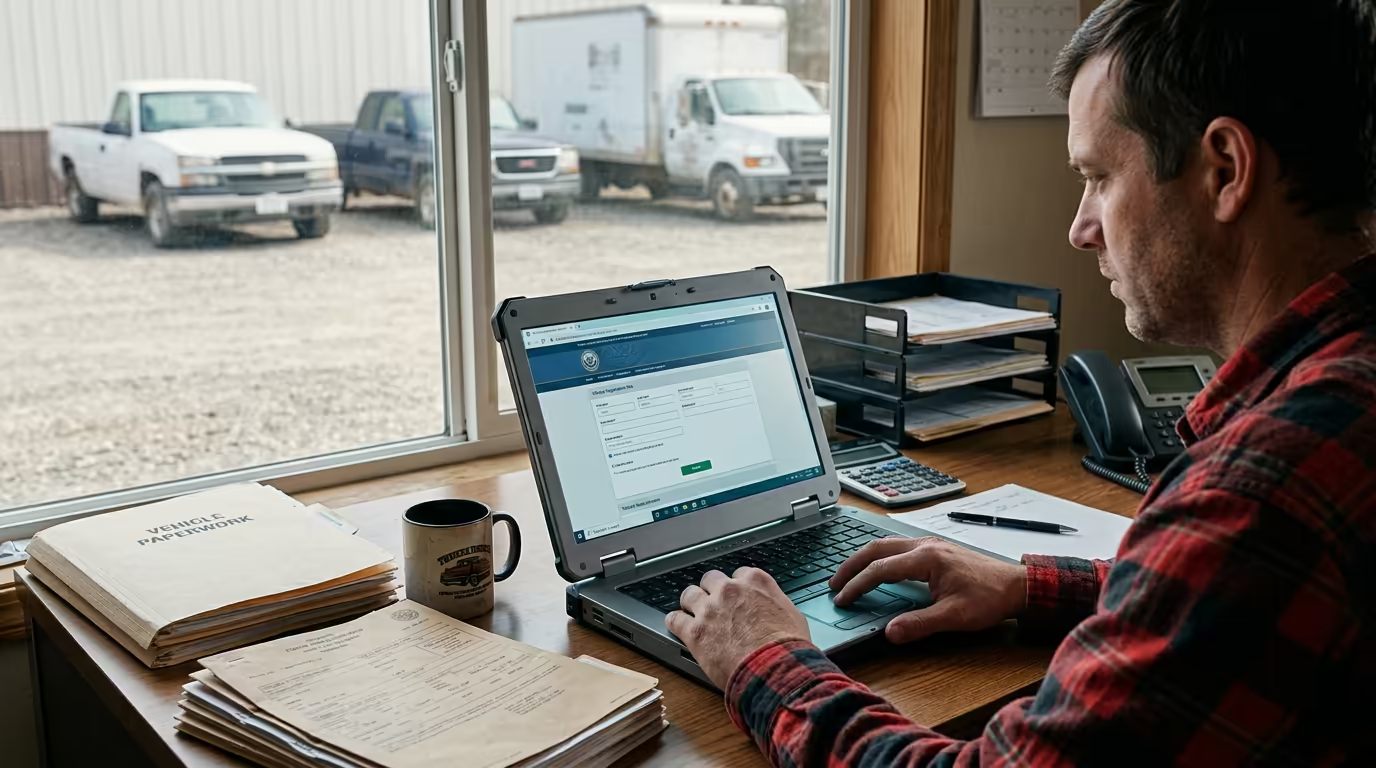
How to Get a DOT Number (and Whether You Even Need One)
How to get a DOT number in 2026: who actually needs a USDOT number, the thresholds, what it costs, and the MC-number change you should know about.
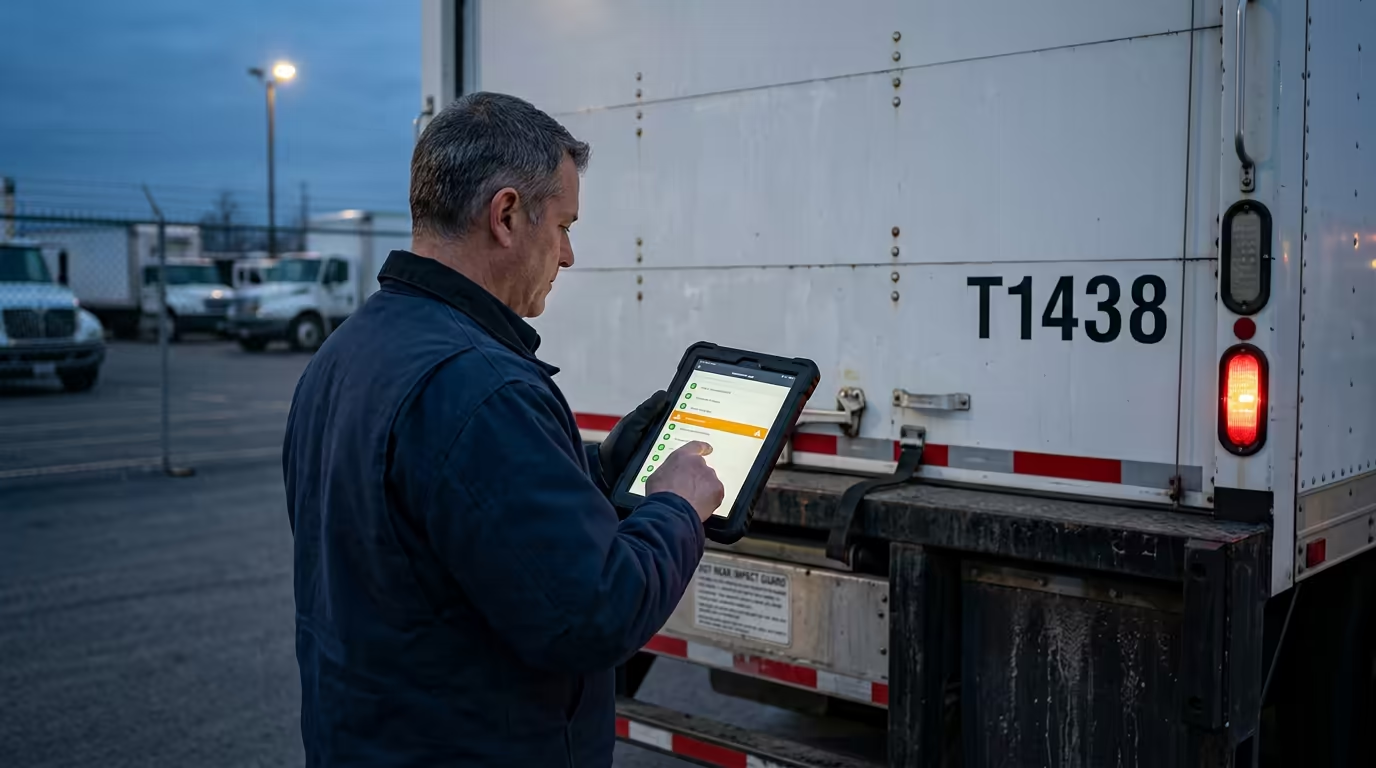
What Is a DVIR? A Fleet Operator's Guide
What is a DVIR? The driver vehicle inspection report that turns a flagged defect into a certified repair before the truck rolls — and the rule behind it.
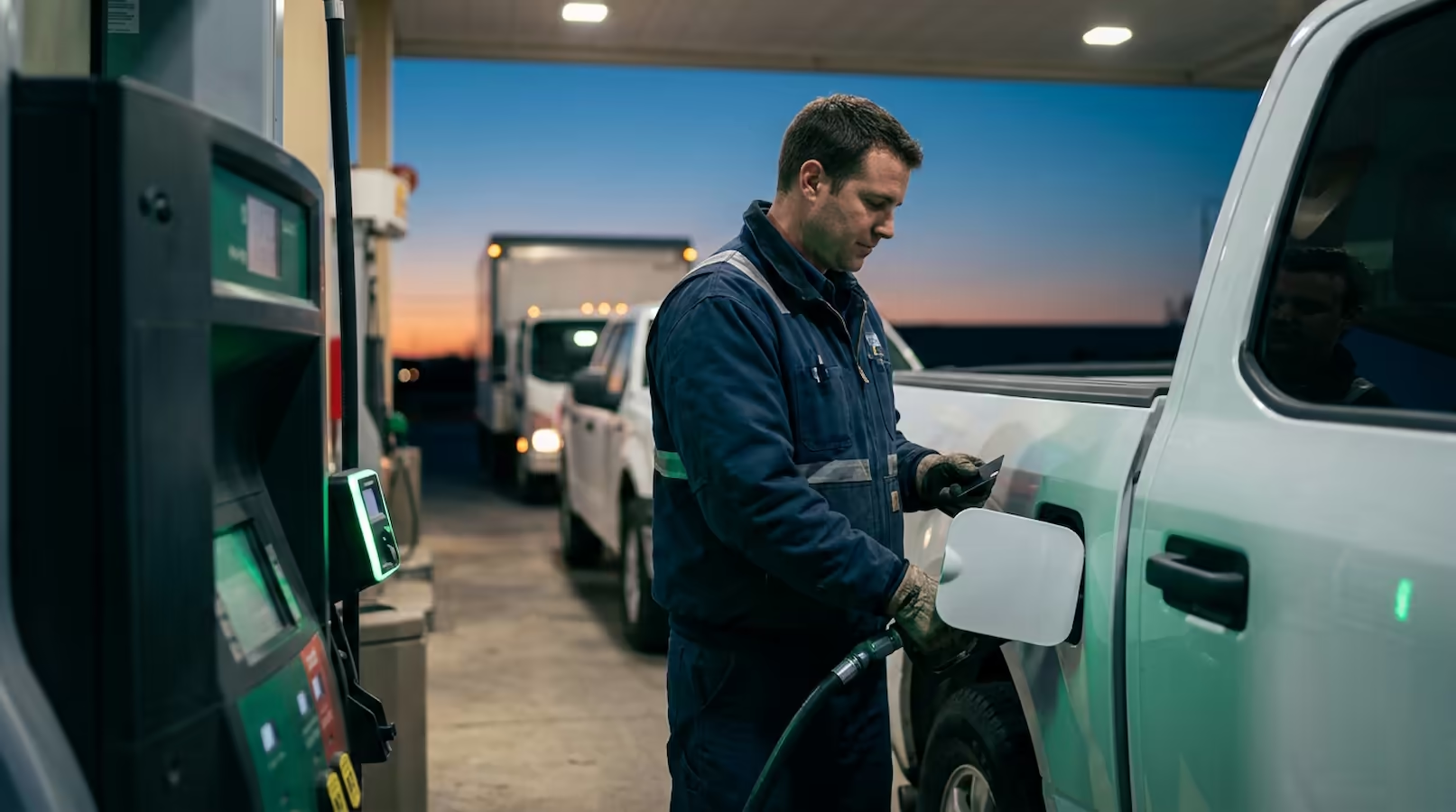
Fuel Log Template: A Practical Guide for Fleets
A no-fluff guide to the fuel log template for fleet managers: the exact steps, the KPIs it moves, and how to keep it from slipping.

Asset Tracking Checklist: A Practical Guide for Fleets
A no-fluff guide to the asset tracking checklist for fleet managers: the exact steps, the KPIs it moves, and how to keep it from slipping.

Driver Qualification File Form: A Practical Guide for Fleets
A no-fluff guide to the driver qualification file form for fleet managers: the exact steps, the KPIs it moves, and how to keep it from slipping.
Simple, per-asset pricing.
Every plan includes 14-day free trial. No credit card.
- Up to 3 assets
- 1 user
- Preventive maintenance
- Digital inspections (DVIR)
- Fuel & meter tracking
- Email support
- Unlimited assets
- Unlimited users
- Parts and inventory management
- Tire management
- Custom roles & permissions
- Priority chat support
- Everything in Standard, plus:
- Real-time map to track assets
- Speed reports
- Advanced routing
- Sandbox environment
- 24/7 phone support, 99.95% SLA
Questions we hear a lot.
Ready to run your fleet with clarity?
Start a free 14-day trial. No credit card. Your first PM is automated before the week is out.